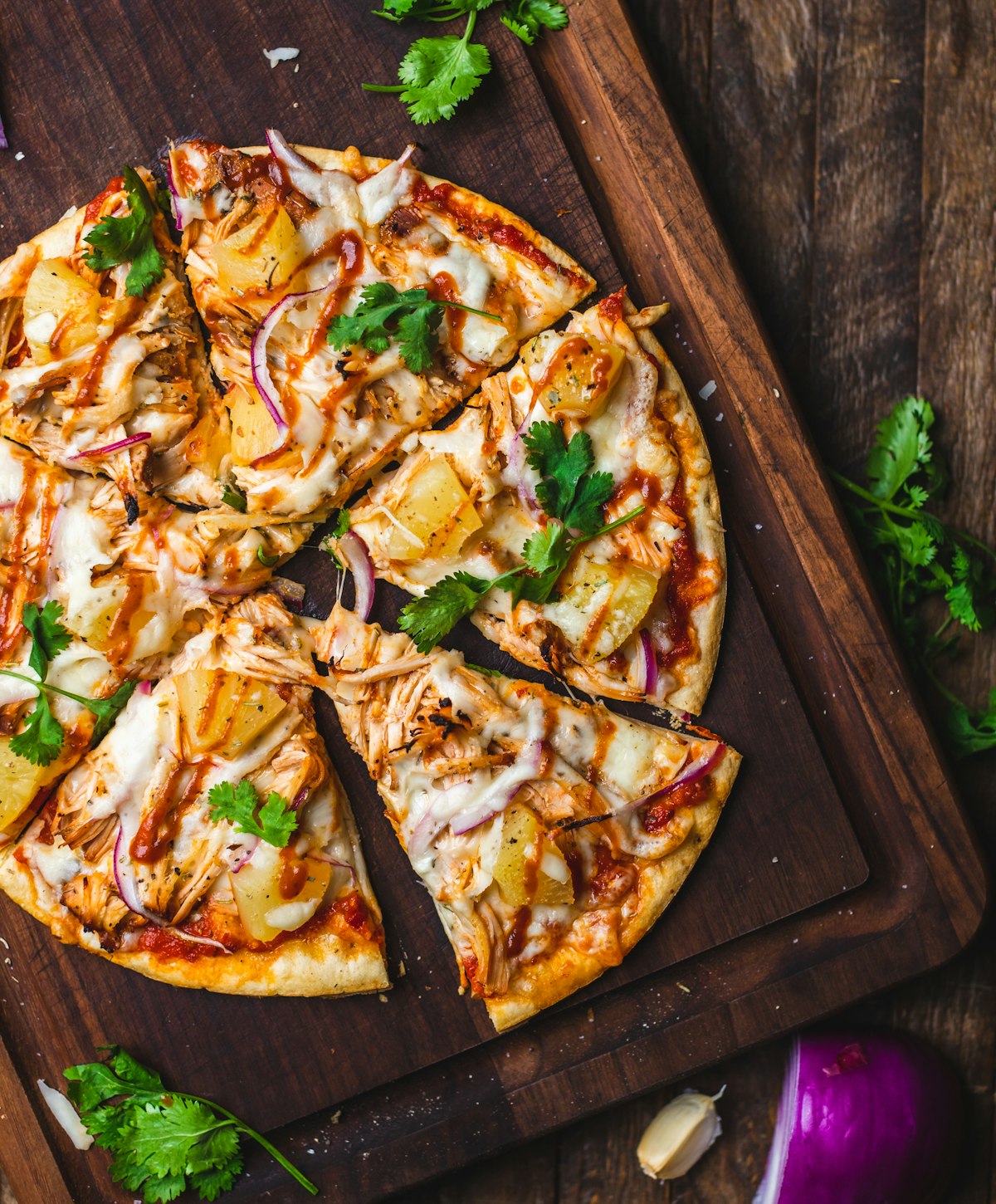
Food Photography for Cloud Kitchens: A Complete Guide
The Cloud Kitchen Photography Challenge
Cloud kitchens have exploded across Delhi NCR. From Noida's industrial areas to Gurgaon's commercial complexes, delivery-only brands are serving thousands daily. But here's the problem: without a beautiful restaurant space, your food photos are literally your only storefront.
After working with 20+ cloud kitchens across Delhi NCR, I've developed specific strategies for this unique challenge.
Why Cloud Kitchens Need Different Photography
No Ambiance to Fall Back On
Traditional restaurants can show their interiors, plating on beautiful tables, the dining experience. Cloud kitchens have none of that. Your food photos need to:
Higher Photo Standards
When you're one of 50 options in a Zomato search, your thumbnail needs to stand out. Cloud kitchen photos need to be:
Volume and Speed
Cloud kitchens often have:
Setting Up for Cloud Kitchen Shoots
The Space Problem
Most cloud kitchens operate in 200-500 sq ft with no windows. My mobile setup:
Equipment I Bring:
Space Required: I need just 6x4 feet to set up a complete shooting station. This fits in most cloud kitchen prep areas.
Lighting Without Windows
My Standard Setup:
Settings:
This creates natural-looking light that mimics a window, even in a basement kitchen at midnight.
Shooting Multi-Brand Menus
Many cloud kitchens operate 3-5 virtual brands from one location. Each needs distinct visual identity:
Brand Differentiation Through Photography
Brand A: Premium Biryani
Brand B: Healthy Salads
Brand C: Street Food
Same kitchen, same photographer, completely different brand experiences.
Workflow for High-Volume Shoots
Pre-Shoot Organization
Menu Spreadsheet: I create a shot list with:
Kitchen Coordination:
Shooting Sequence
Batch by Background:
This minimizes setup changes and keeps the shoot moving.
Order by Perishability:
1. Cold items first (salads, desserts)-they hold longest
2. Fried items next-they lose crispness quickly
3. Hot gravies last-easier to reshoot if needed
Realistic Pace
With a good system:
A 60-item menu typically takes 5-6 hours with breaks.
Cloud Kitchen-Specific Styling Tips
Packaging Photography
Delivery food arrives in packaging. Show it:
This sets accurate expectations and reduces complaints.
Portion Accuracy
Cloud kitchen customers are especially sensitive to portion sizes:
Freshness Indicators
Without ambient restaurant cues, your photos need to scream "fresh":
Technical Specifications for Delivery Apps
Zomato Requirements
Primary Image:
Gallery Images:
Swiggy Requirements
Similar to Zomato, plus:
Optimization Tips
Test Your Thumbnails:
1. Upload photos
2. View on phone in actual app
3. Does it stand out among competitors?
4. Is the dish recognizable at thumbnail size?
If not, reshoot with tighter composition.
Budget Considerations for Cloud Kitchens
Cost-Effective Approaches
Option 1: Hero Items Only
Professionally shoot your top 10-15 bestsellers. Phone photos for the rest. Budget: ₹8,000-15,000
Option 2: Full Menu, Basic Edit
Quick shoot of entire menu with faster turnaround and lighter editing. Budget: ₹20,000-30,000
Option 3: Complete Brand Package
Full styling, multiple angles, lifestyle shots, social content. Budget: ₹40,000-60,000
DIY When Professional Isn't Possible
If you absolutely must do it yourself:
It won't match professional quality, but it's better than flash-lit phone photos.
Ongoing Photography Needs
Cloud kitchens add new items constantly. My clients often set up:
Monthly Photo Days:
This keeps your menu fresh without major photo investments each time.
Getting Started Checklist
For cloud kitchen owners in Delhi NCR:
1. Identify your top 20 items by order volume
2. Determine your visual brand identity (modern/traditional, bright/moody)
3. Prepare a complete menu list with descriptions
4. Clear 6x4 feet of space for shoot day
5. Have all ingredients and packaging ready
Food photography for cloud kitchens isn't about making your kitchen look like a restaurant. It's about making your food irresistible on a 3-inch phone screen. That's a specific skill-and it directly impacts your order volumes.